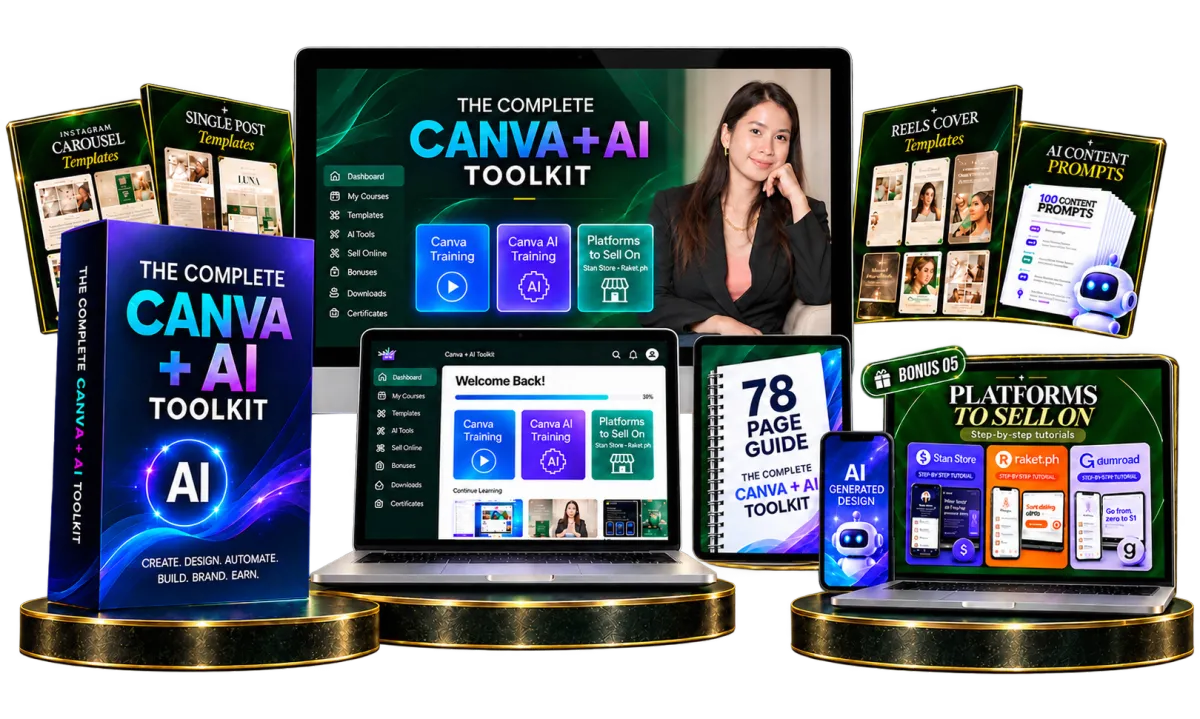
⚡ This $17 offer won't last. Most people spend months figuring this out alone. You don't have to. Only $17 $47
The Complete Canva + AI Toolkit
Master Canva + AI.
Launch Your Digital Product Business Today.
The only beginner friendly toolkit that teaches you Canva + AI while giving you ready to customise assets so you can start building your digital product business without starting from scratch.
Urgent Offer!
$47 Only $17 Today
Most beginners give up
before they start.
Not because they lack talent. Because they don't know the tools,
and they're staring at a blank page with no assets to work from.
Canva feels overwhelming
Hundreds of features, no clear starting point. You spend hours just trying to figure out where to click.
No products to sell
Everyone says "create digital products" but never shows you what to sell or how to actually make them look professional.
Starting from zero is brutal
Designing everything from scratch takes months of practice. Most people quit before they make a single sale.
From stuck to selling:
here's what changes.
Before the Toolkit
✕ Don't know how Canva works
✕ Have no idea what AI tools to use
✕ No digital products to sell
✕ Staring at a blank Canva page
✕ Overwhelmed and don't know where to begin
✕ Can't afford to hire a designer
After the Toolkit
Confident designing in Canva
Using AI tools to work 10× faster
225 social media templates ready to customise
Know exactly how to create & sell digital products
Clear direction and a business-ready asset library
Master Resell Rights to resell everything
Everything you need to
learn, create & sell.
A complete beginner to builder curriculum, plus done for you
assets so you can act on what you learn immediately.

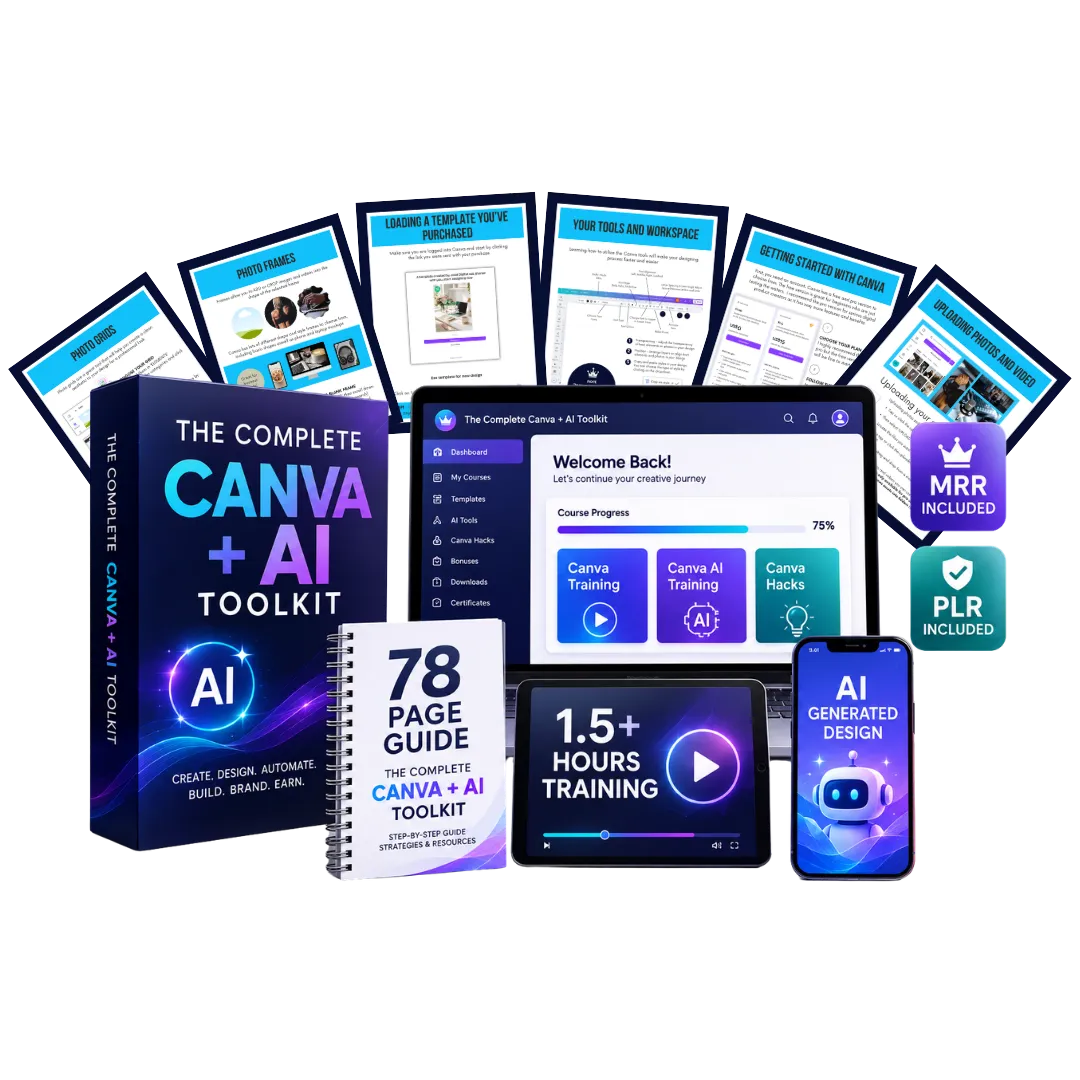
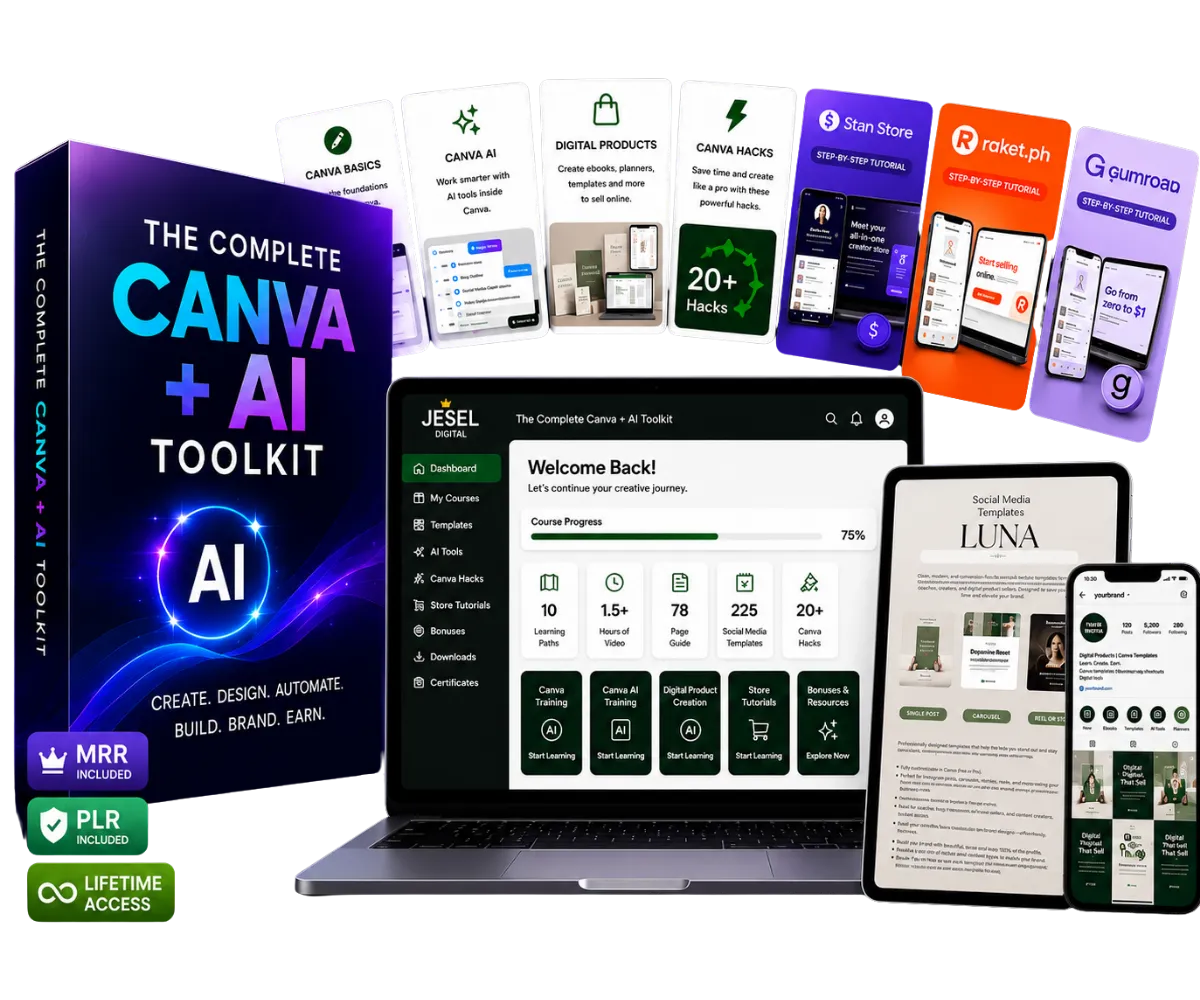
📚 10 Learning Paths
01
Getting Started with Canva
Account setup, free vs Pro, loading your first template
02
Your Workspace
Toolbar, toolbar shortcuts, sidebar navigation & hidden tools
03
Your Toolset
Elements, frames, grids, editing tools, layers & locking
04
Font Pairing & Brand Kit
Curated font combos, hyperlinks, and your Brand Hub setup
05
Canva Magic Studio (AI)
BG Remover, Magic Edit, Magic Expand, Magic Write, Layers & more
06
Saving & Sharing Projects
PDF, PNG, MP4, template links, and publishing to Meta Ads
07
Apps & Canva Features
Mock-ups, Whiteboards, Magic Morph, Replace Background & secret codes
08
How to Create Digital Products
Planners, e-books, guides, flashcards, built from scratch with you
09
How to Sell Your Products
Stan Store, Raket.PH, and more: listing, pricing, delivering
10
PLR & MRR Licence
Full resell rights explained: what you can do and how to do it

Plus 8 Exclusive Bonuses... For FREE!
Use these resources as you learn, create, and get ready to share your work
For $47 just $27.00 today!
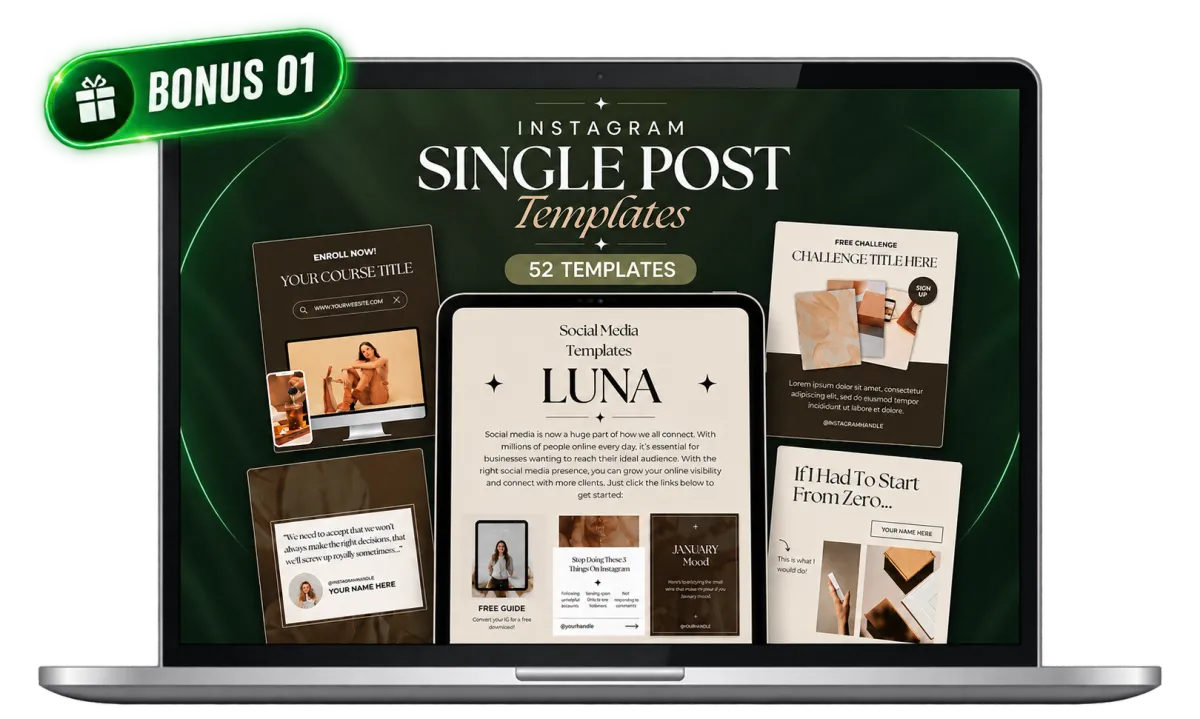
Instagram Single Post Templates
52 ready to edit Canva templates to help you create posts faster.
INCLUDED: $9 FREE
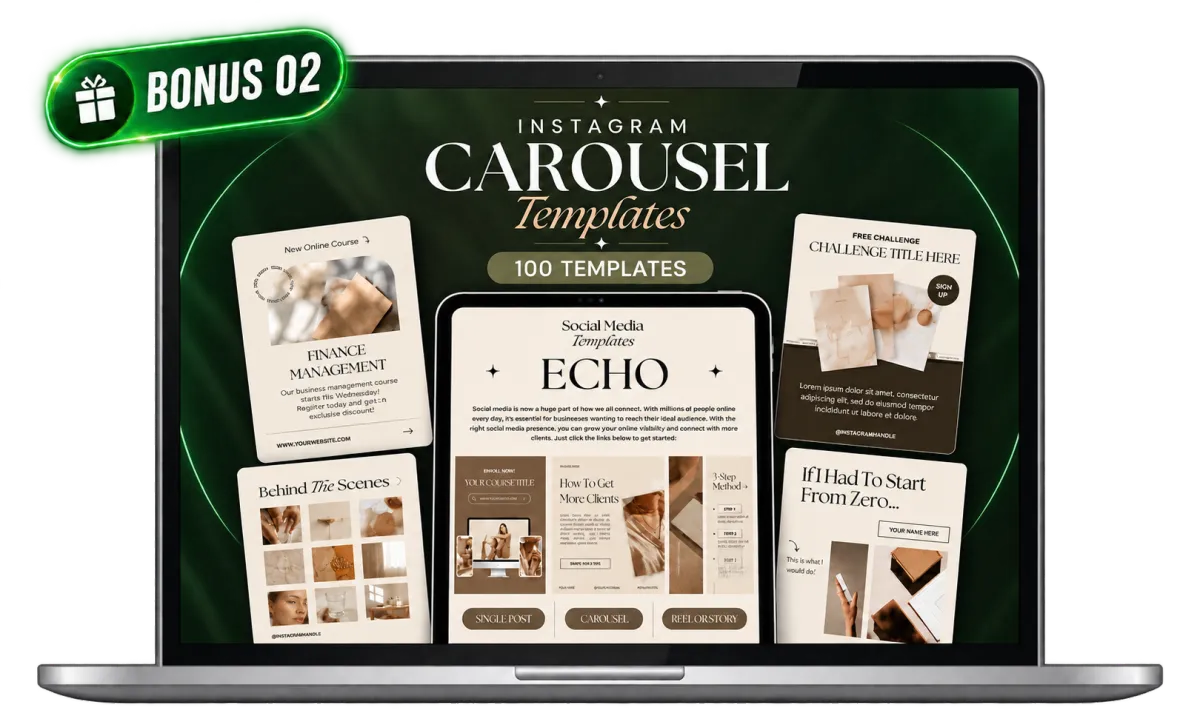
Instagram Carousel Templates
100 ready to edit Canva templates for tips, stories, and educational posts.
INCLUDED: $19 FREE
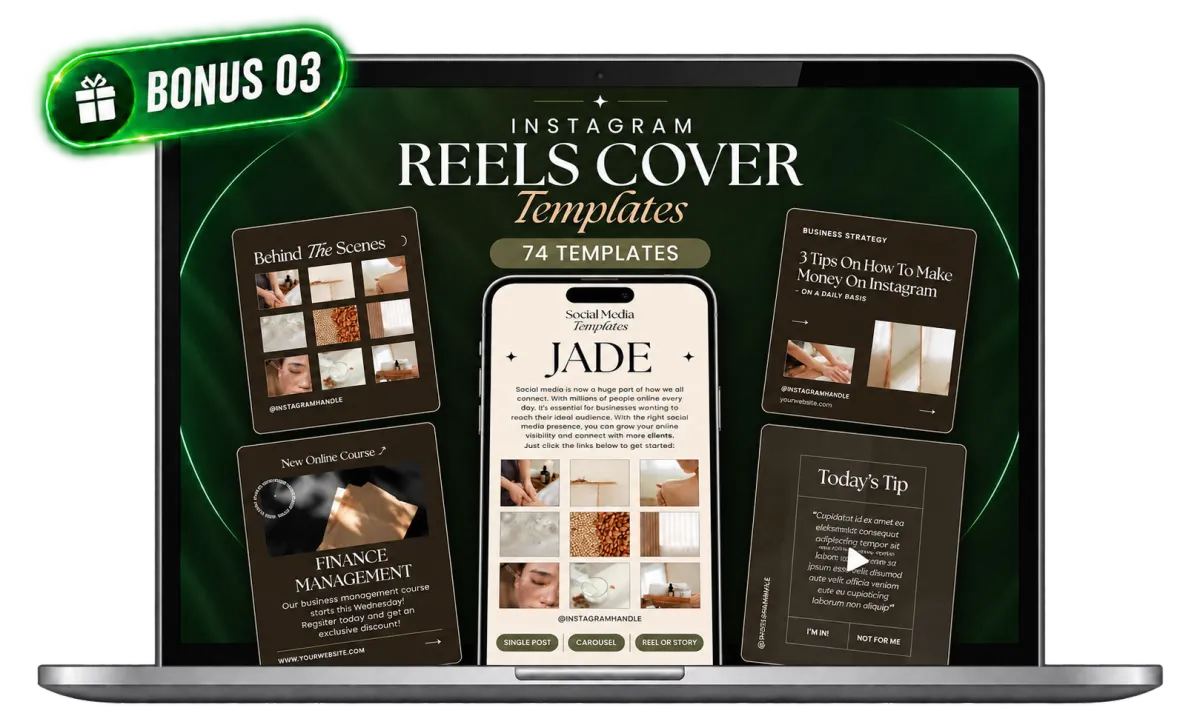
Instagram Reels Cover Templates
74 ready to edit Canva covers to give your Reels a consistent look.
INCLUDED: $9 FREE
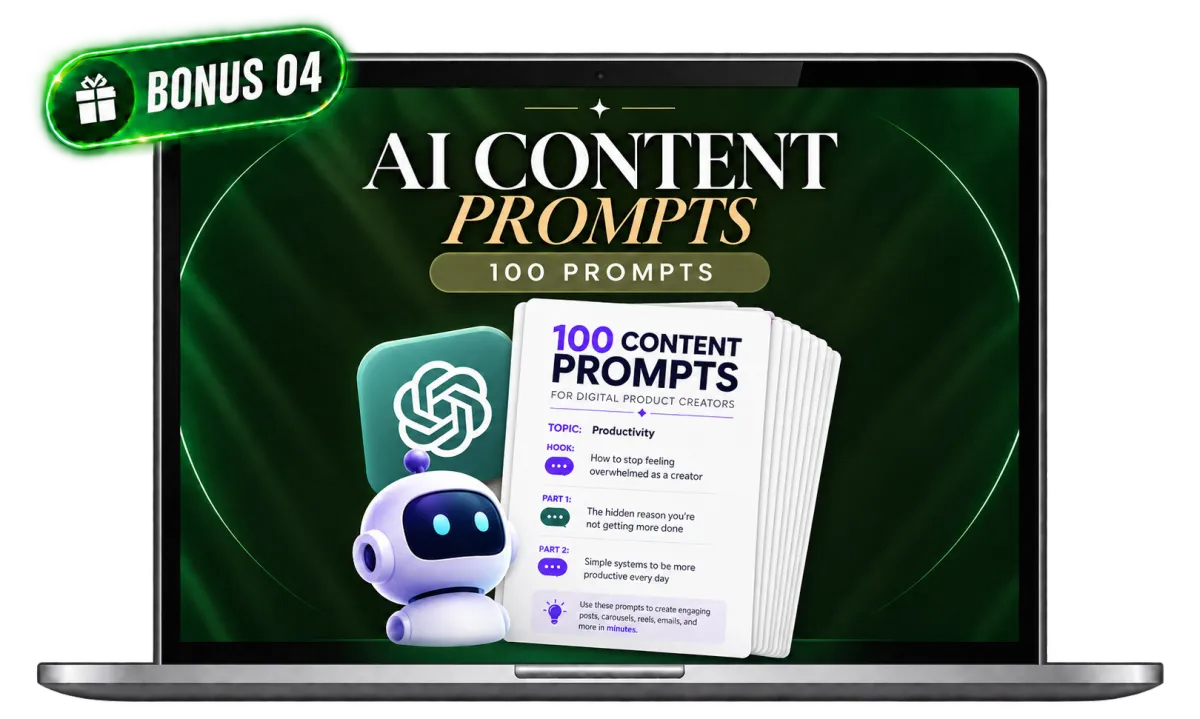
100 AI Prompts
Get 100 ready to use prompts to help you come up with ideas and create content faster.
INCLUDED: $7 FREE
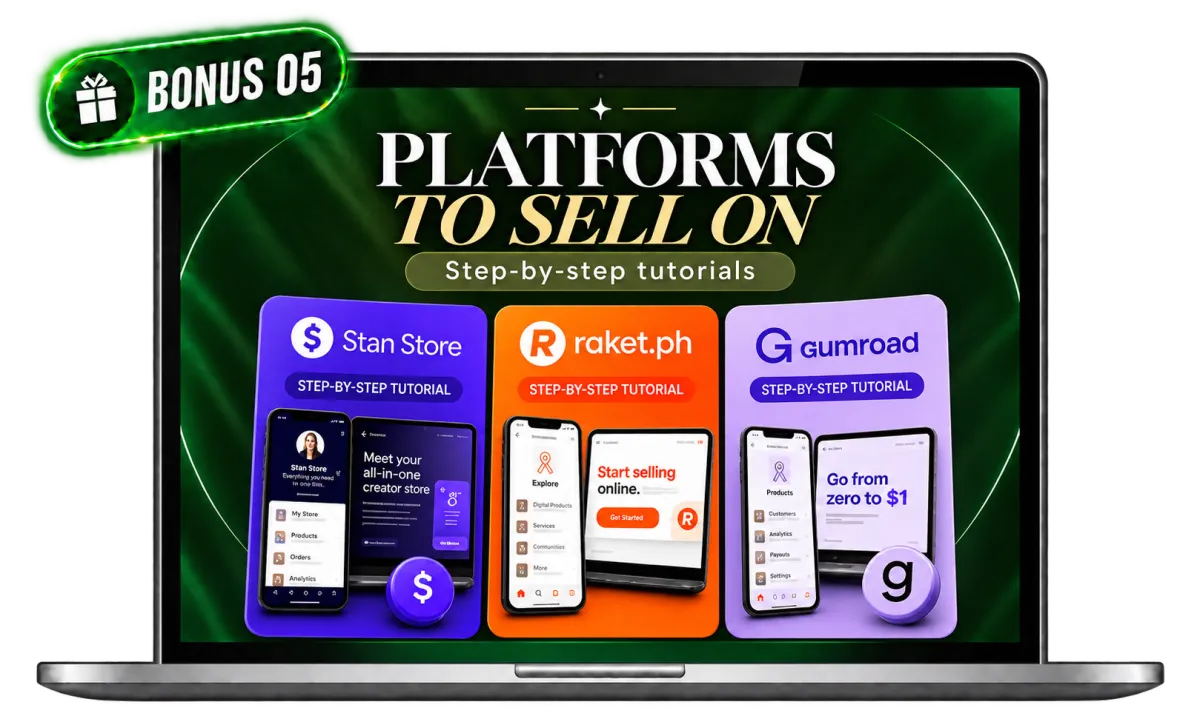
Learn Where to Sell Your Products
Learn how to list, price, and publish your digital products on Stan Store and Raket.ph.
INCLUDED: $19 FREE
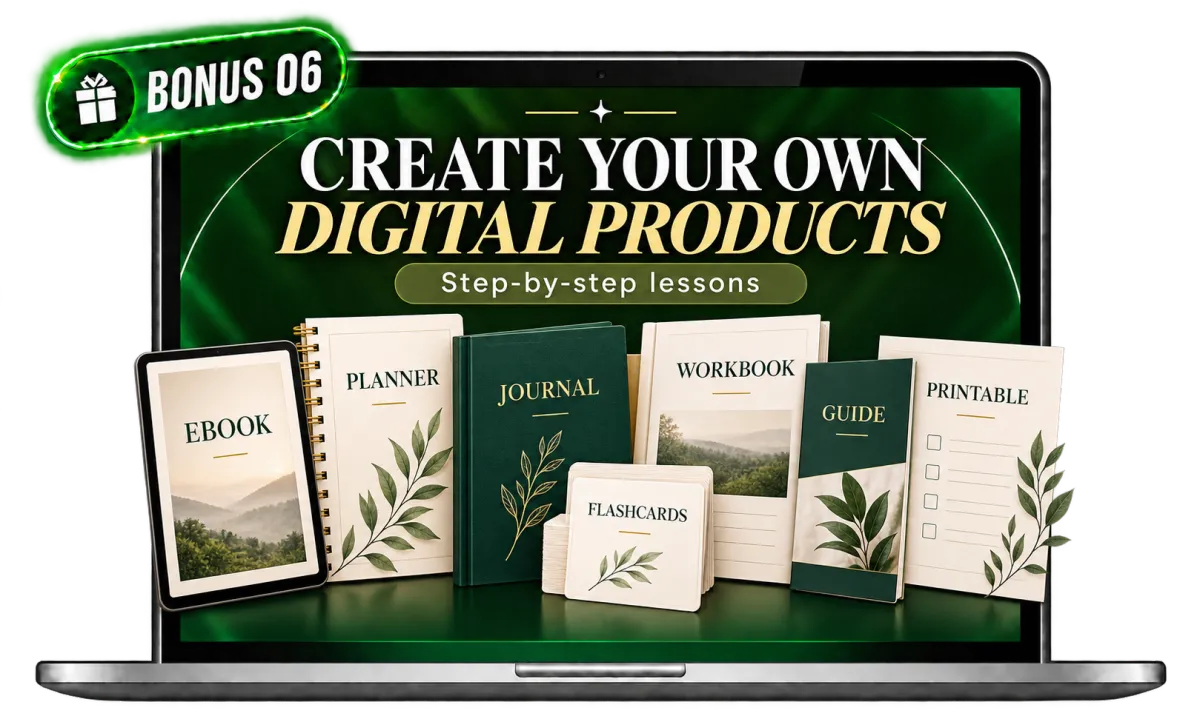
Learn to Create Your Own Digital Products
Follow the lessons to make ebooks, planners, journals, flashcards, workbooks, guides, printables, and more.
INCLUDED: $29 FREE
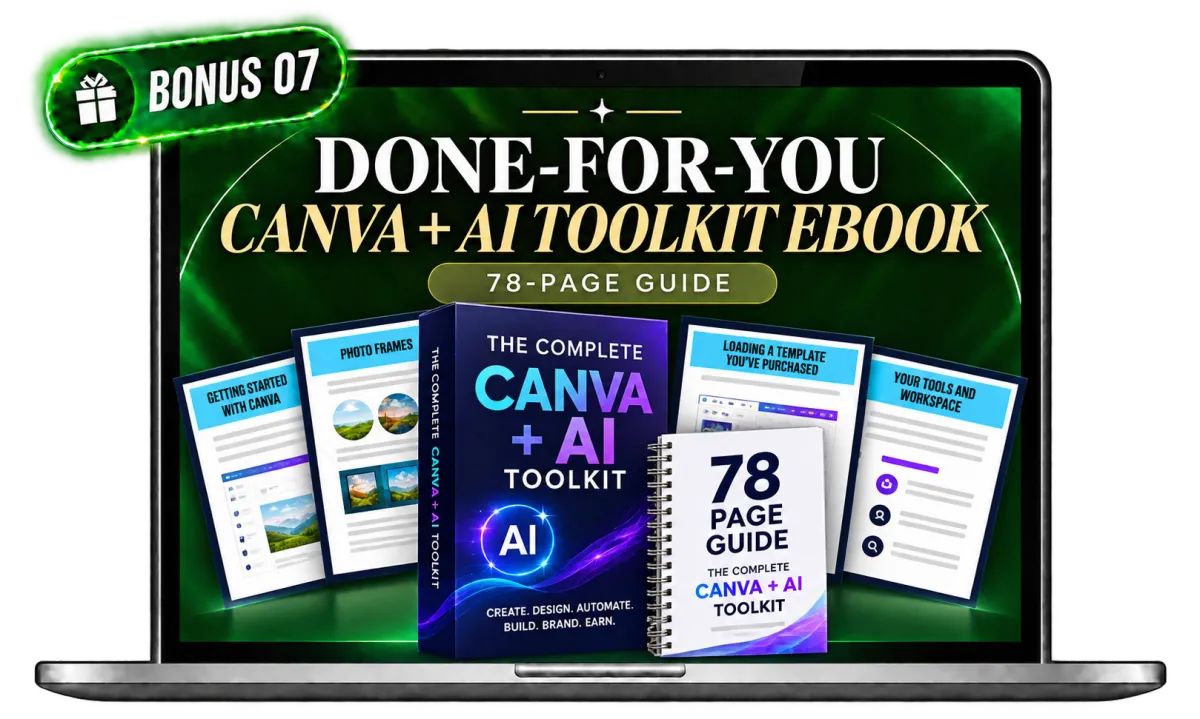
Done-for-You Canva + AI Toolkit Ebook
Use the ebook to learn Canva and AI. You can also customise and resell it under the included license.
INCLUDED: $47 FREE
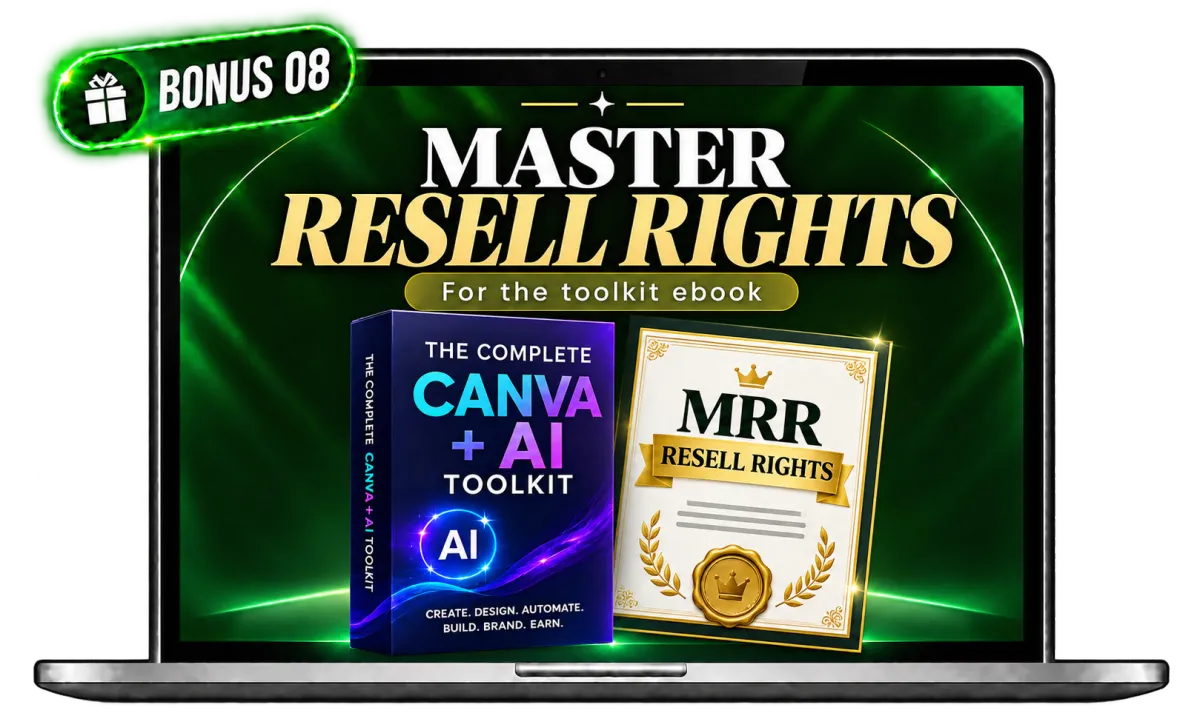
Master Resell Rights
Learn what the license allows and how to resell the toolkit ebook. Your earnings depend on your sales and any payment fees.
INCLUDED: $78 FREE
Total Bonuses Value: $217
TODAY'S SPECIAL PRICE: $17
*Limited Time Offer
Not just another Canva course.
This is an education + implementation toolkit. You learn, and you
have professional assets waiting for you to use the moment you finish.
🎓
Education + Assets
Most courses stop at teaching. This toolkit gives you the skills and the tools: 225 social media templates plus a done-for-you Canva + AI Toolkit with Master Resell Rights, so you can start creating and launching with confidence.
🎨
No Blank Page Anxiety
Every template is professionally designed and fully customisable. Open, rebrand, and publish in one sitting.
💼
Master Resell Rights
You can resell this entire toolkit for $17 or more and keep 100% of every sale. Your business starts the moment you buy.
🤖
AI Tools Included
Learn exactly how to use Canva's Magic Studio AI tools: Background Remover, Magic Write, Magic Edit, Dream Lab and more.
🛒
Sell With Confidence
Learn how to list, price, and publish your digital products on Stan Store and Raket.ph. You'll see the complete process so you know exactly how to get your products online and ready for customers
💰
Lifetime access to everything for the price of a coffee. No subscriptions, no hidden fees, no upsells required.
Only $9 — One Time
Three steps to your first digital product.

1. Invest once, get instant access
Pay just $17 and get instant access to the complete Canva + AI Toolkit, 225 social media templates, Canva & AI training, online store setup lessons, and your Master Resell Rights licence.
2. Learn at your own pace
Work through the 10 learning paths. Every lesson is practical and focused on skills you can use the same day. No fluff, no filler.
3. From Idea to Online Store
Learn how to create your digital products, then list and publish them on Stan Store or Raket.ph using the step-by-step tutorials included in the toolkit.
What if you could create your own Digital Product and make your first online sale with simple steps even if you are a beginner?
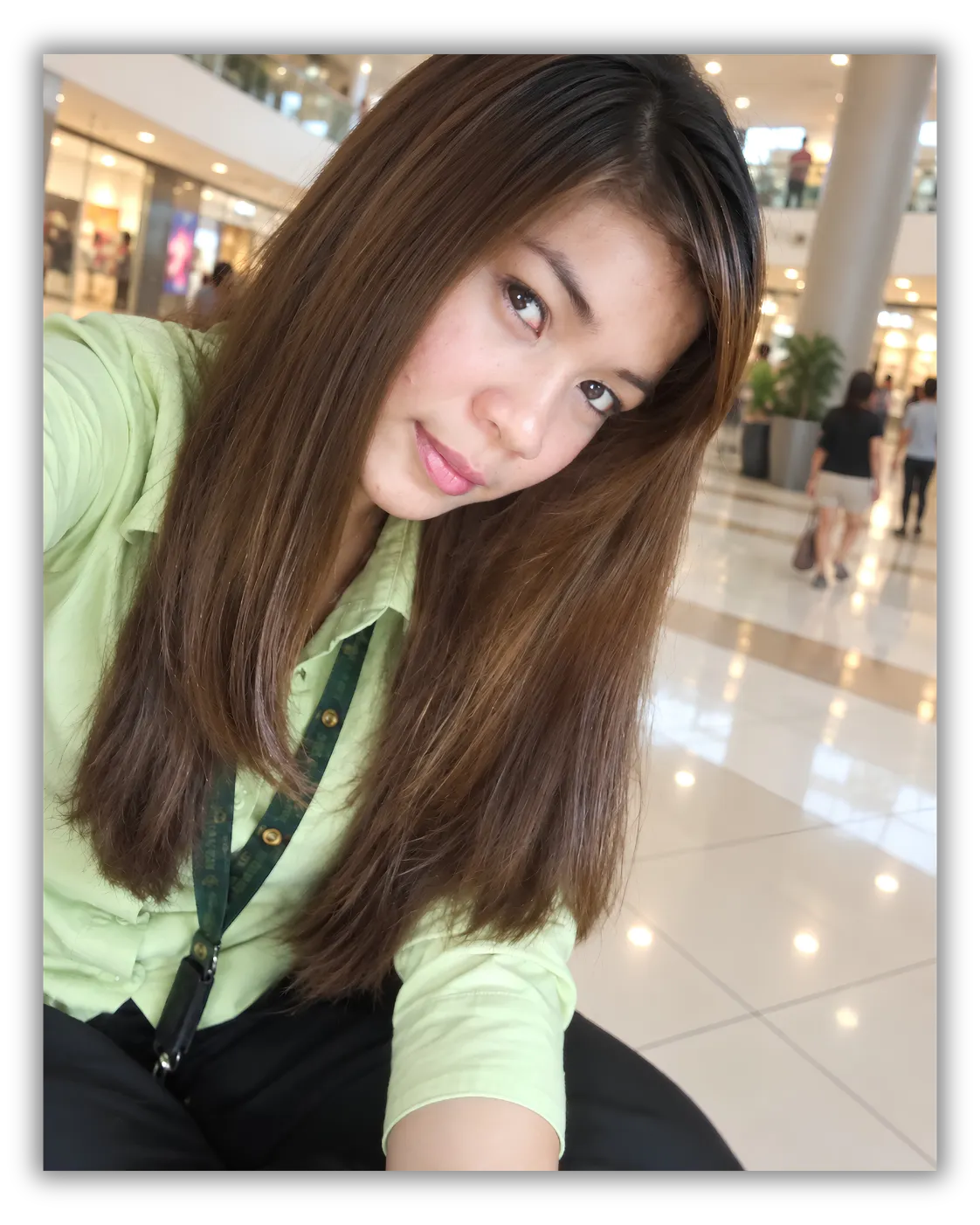
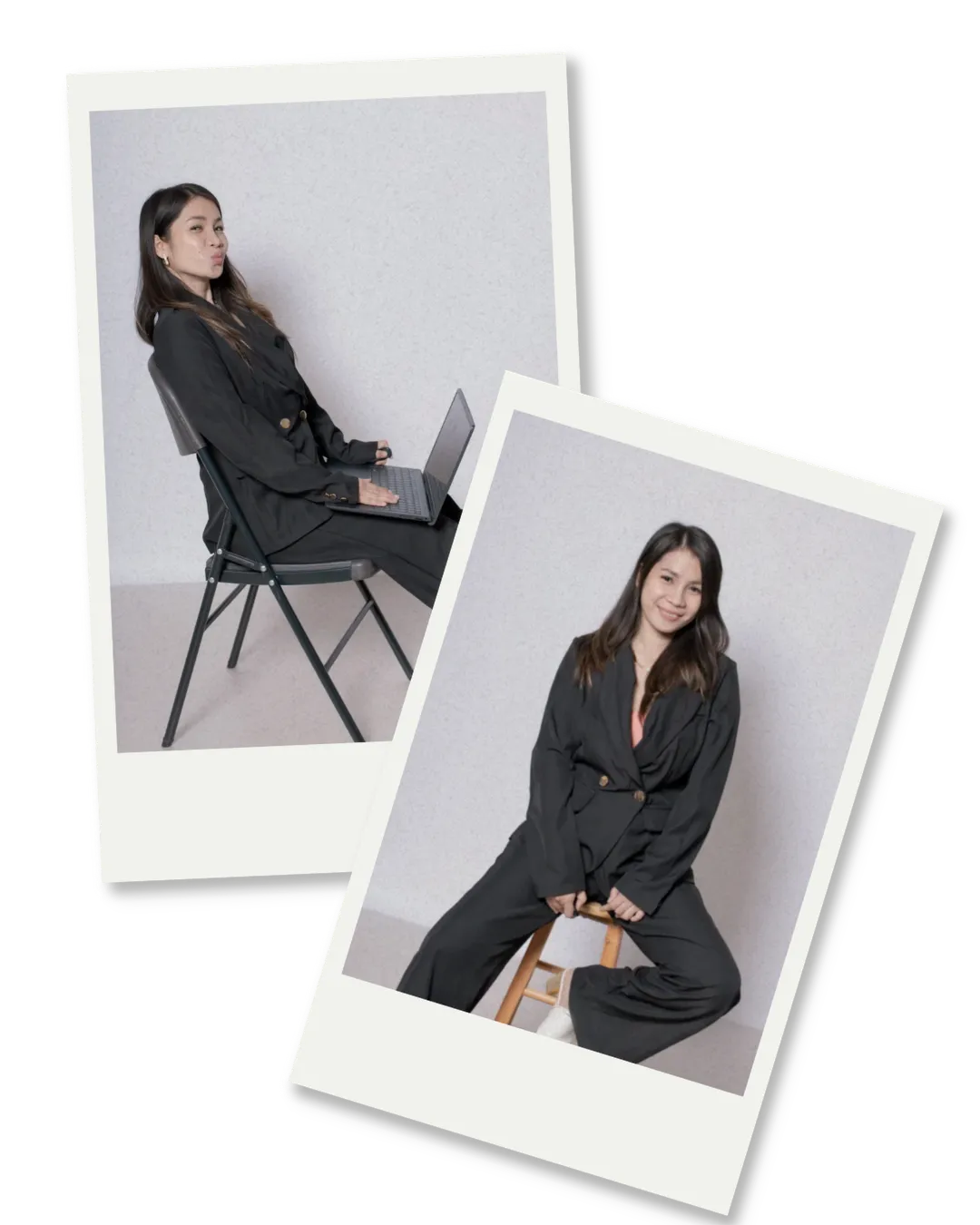
I used to work as a saleslady,
making $350/month. Pay for
jobs like mine can be low here,
and it was hard to get by. I
wanted a better life for myself,
so when I discovered Canva,
I started learning how to create
digital products and share
them on social media.
Now I earn from digital products
I created myself, and I receive payouts
when they sell. Each sale reminds
me how far I’ve come from
depending on one small paycheck.
I’m still learning, but I made this
toolkit to share the steps that helped
me start so you can learn to create
your own products and put them
up for sale too.
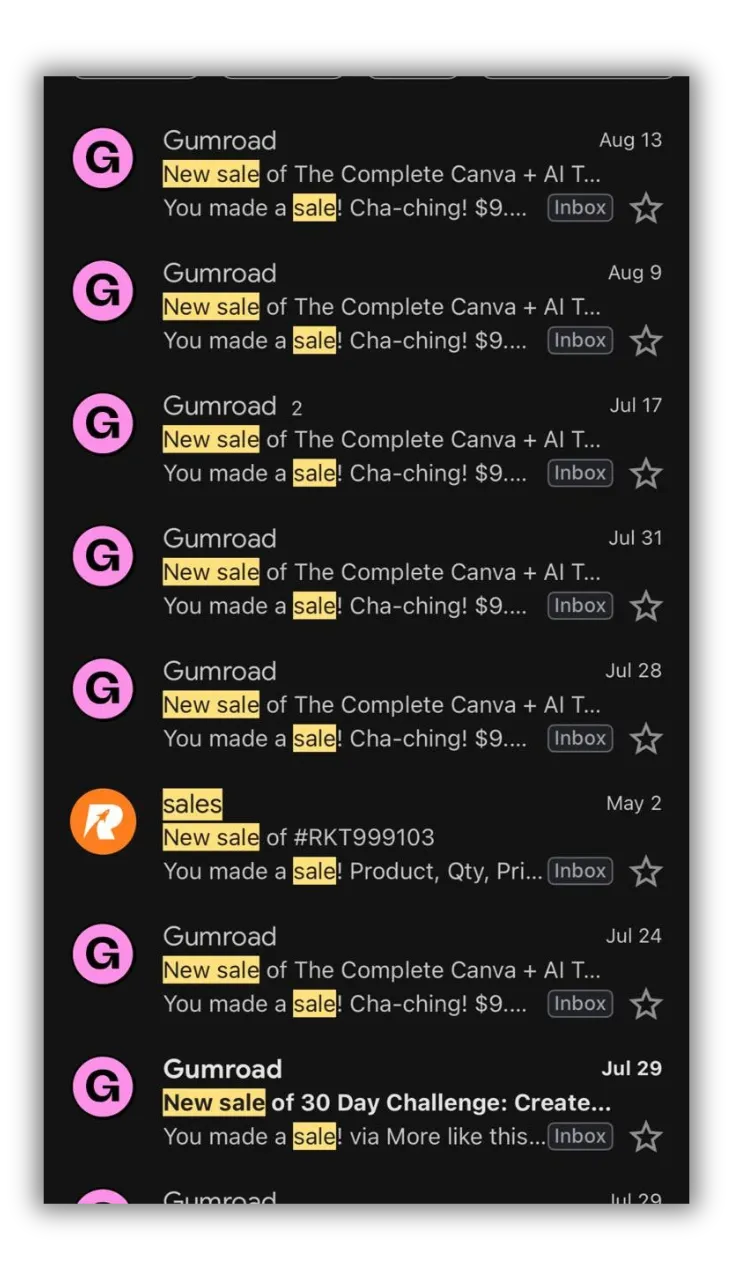
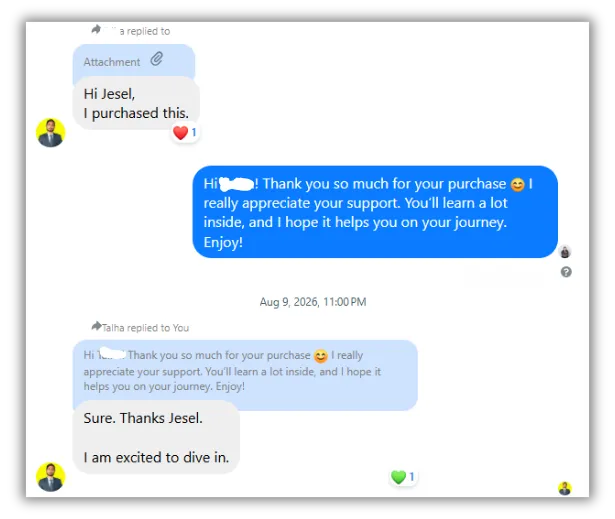
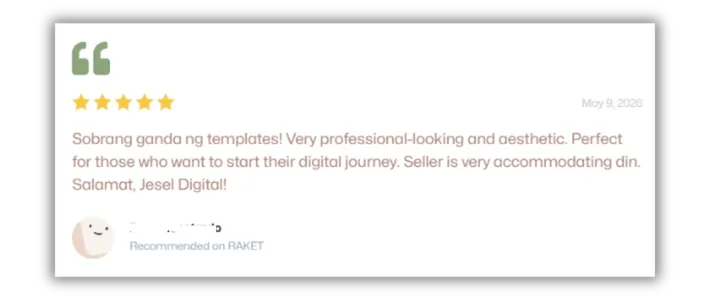
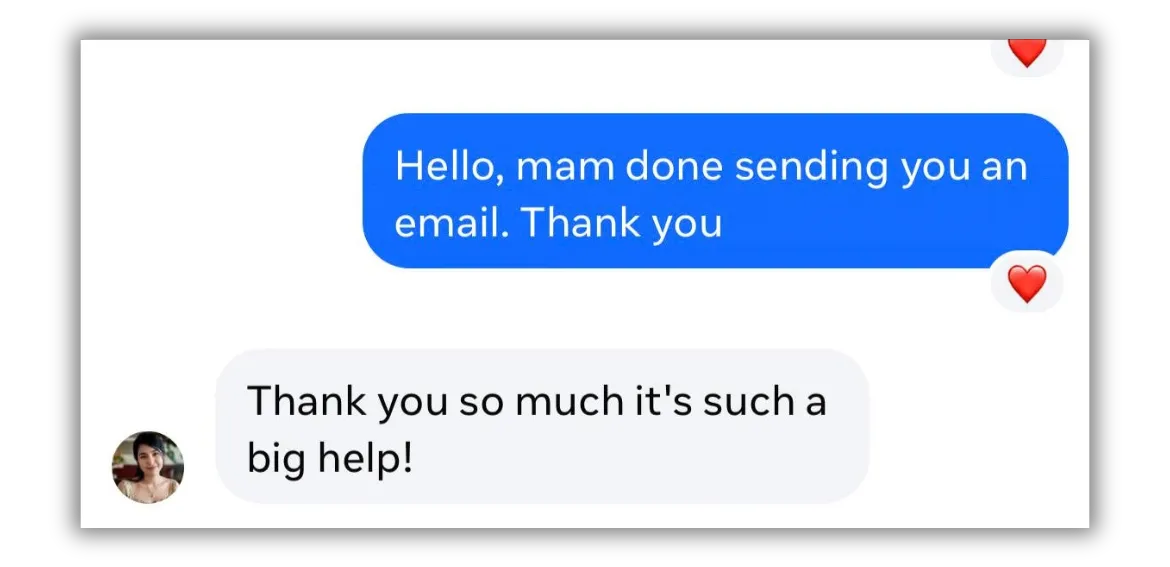
Don't Just Take My Word For It, Hear It From Them...
Frequently Asked Questions
Do I need Canva Pro to use this toolkit?
No. The entire course is designed to work on both Canva's free and Pro accounts. Some specific features covered (like Magic Resize and Brand Kit) require Pro, but these are clearly labelled and the core curriculum is fully accessible on a free account.
I'm a complete beginner. Will I be able to follow along?
Absolutely. This toolkit starts from zero: account setup, workspace orientation, your first design. Every lesson assumes no prior knowledge. If you've never opened Canva before, you're in the right place.
What exactly are Master Resell Rights (MRR)?
It means you can sell this EXACT course as if you made it yourself! You can put your name on it, set your own price, and keep ALL the money you make. It's like having a ready-made product to sell without doing any of the work!
Is this a subscription or one-time payment?
Lorem ipsum dolor sit amet, consectetur adipisicing elit. Autem dolore, alias, numquam enim ab voluptate id quam harum ducimus cupiditate similique quisquam et deserunt, recusandae.
How long will it take to learn all this?
You can read through everything in just a couple hours! Most people start making nice designs on their very first day.
How do I get access after paying?
You'll receive a welcome email with instructions for accessing your private course and resources. Check your spam or promotions folder if you don't see it.
Your creative business starts with $17.
Get the full Canva + AI course, 225 social media templates, digital product training,
and your Master Resell Rights, all in one download.